The command centre for the whole airline.
People, fleet, schedules, review, engagement and settings in one portal, for the owner and the staff they invite. Dense where the work is dense, calm everywhere else.
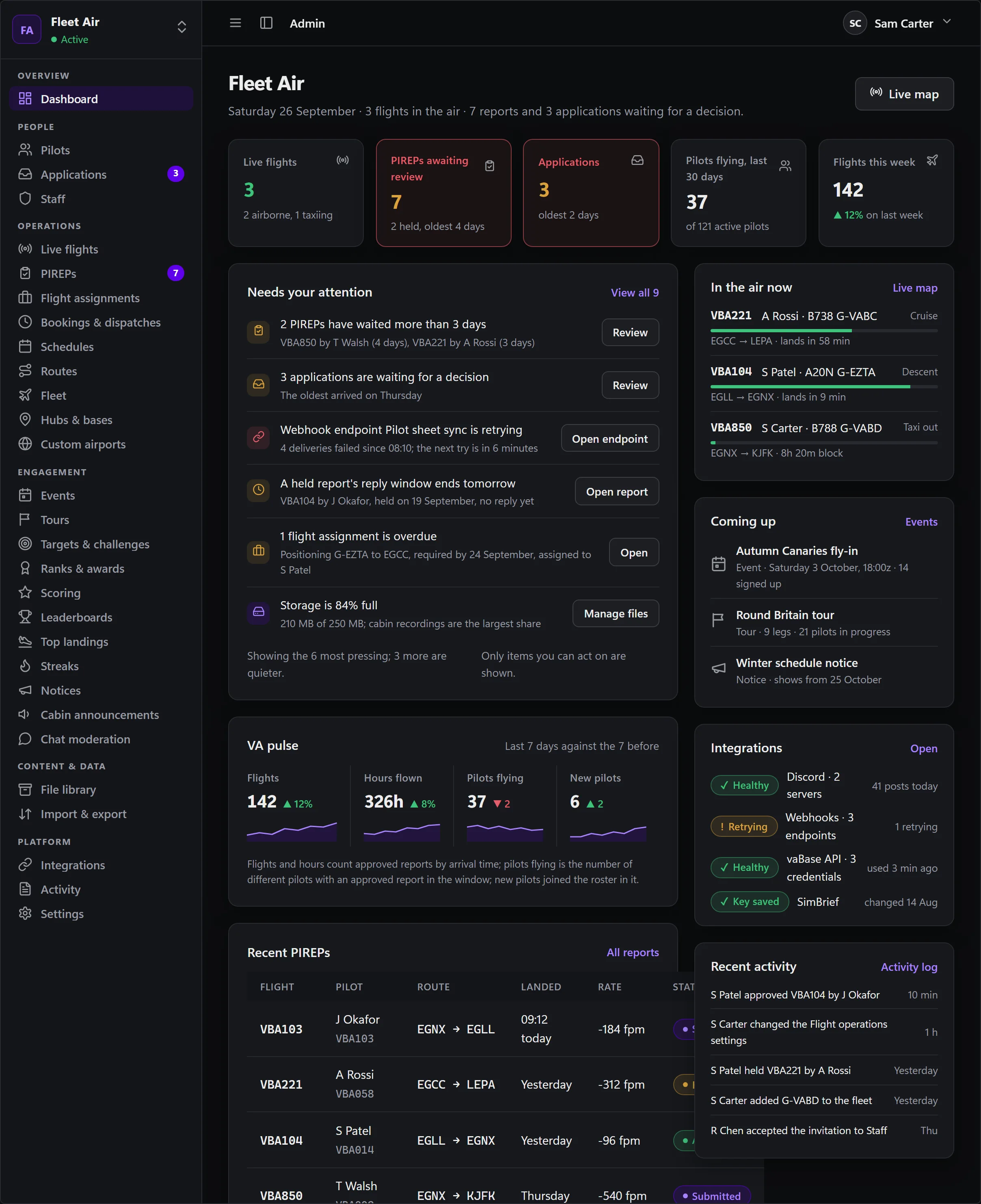
Pilots, applications and staff.
A roster with status, rank, hours and activity; an applications queue with your own questions; staff invited by email with exactly the areas they need.
- Pilot detail with flights, progression, credits and reviewer notes on one page.
- Activity requirements and leave: set how often pilots must fly and what happens if they do not, and mark a pilot on leave so the rules wait for them.
- Imported pilots claim their own account; nobody is sent a password.
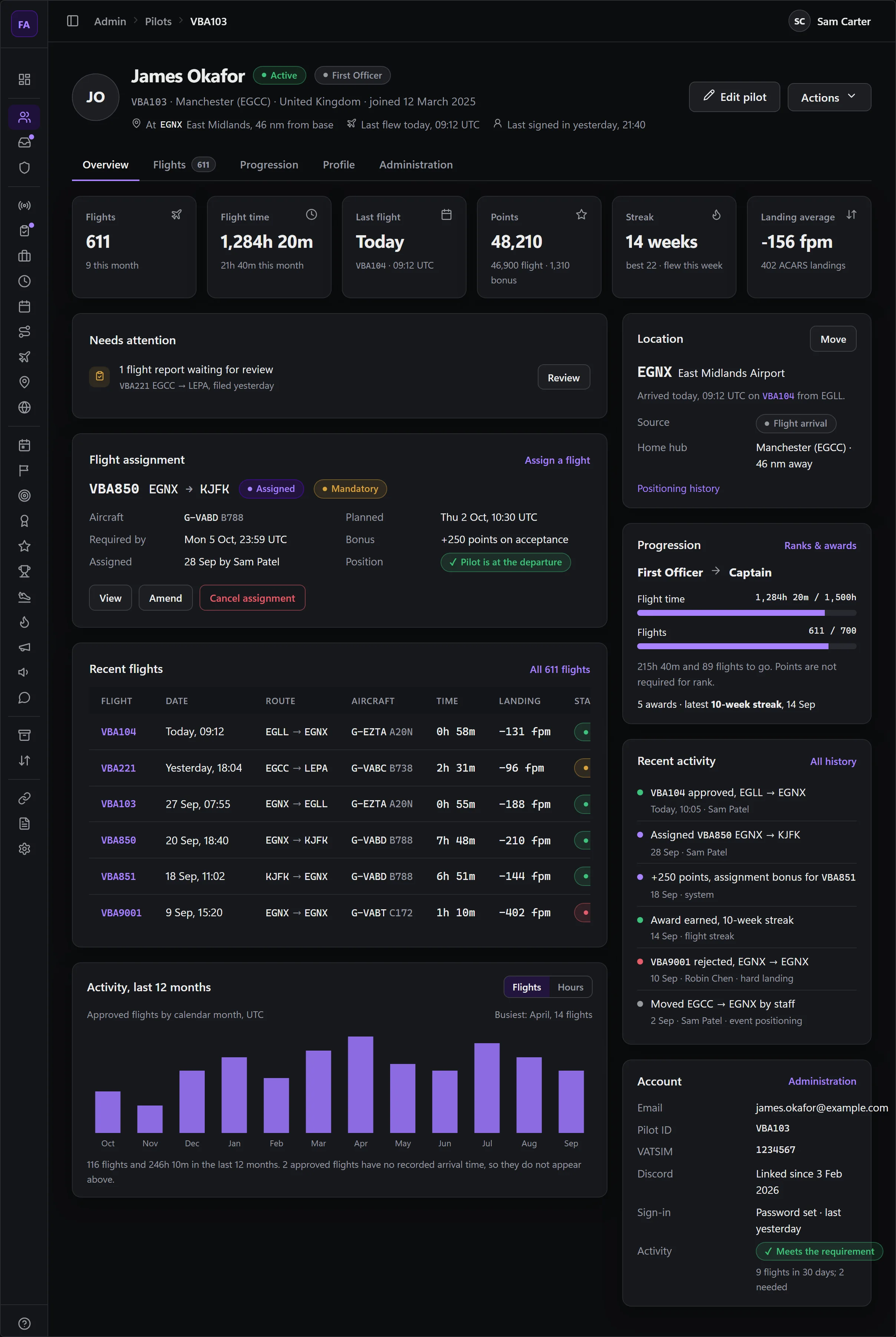
Fleet, schedules and the rules they run by.
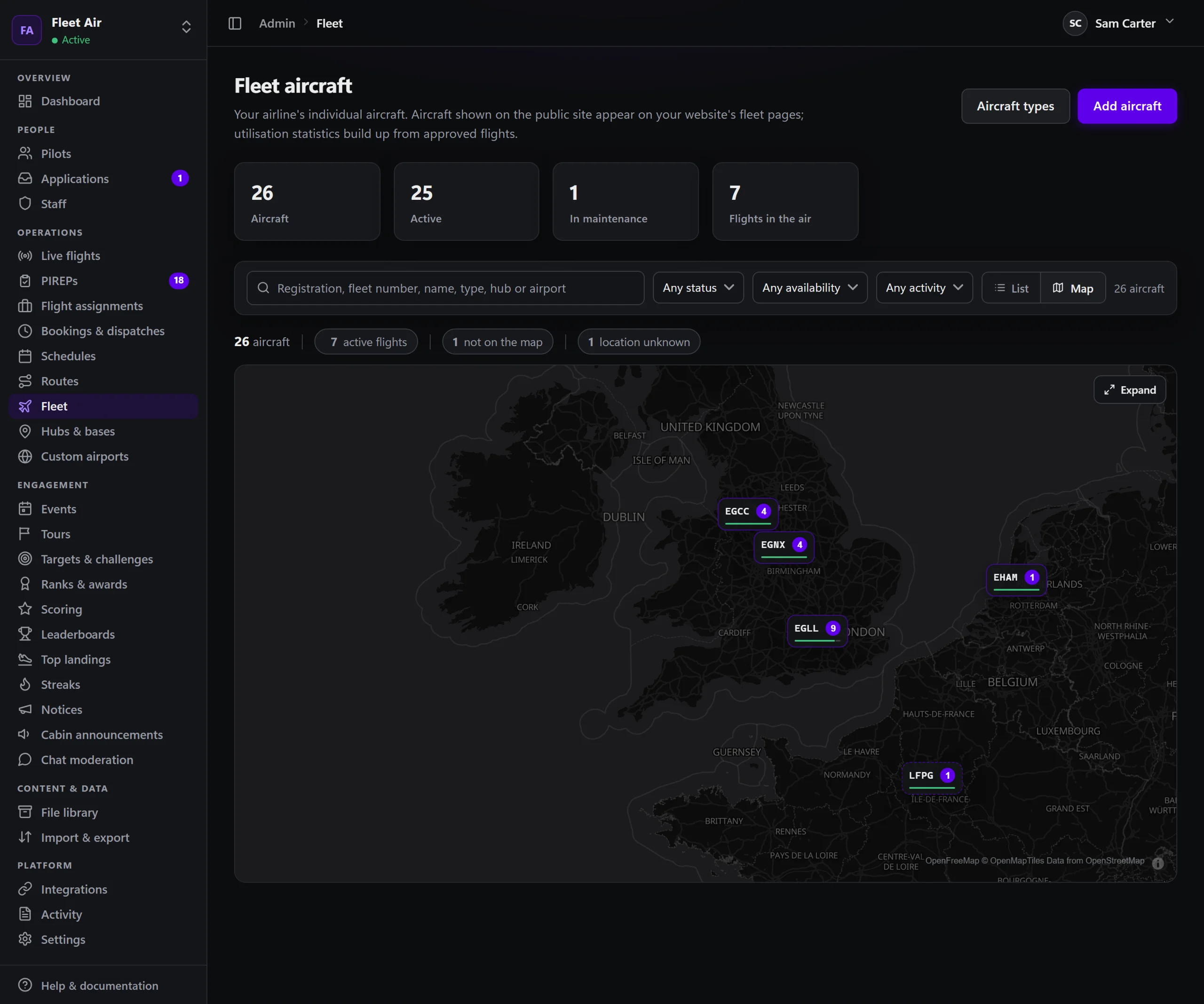
Aircraft from a catalogue of 400+ types, with your own variants, liveries and photos. Schedules with codeshares, a company route library and hubs with their own targets. Then decide how strictly it runs: share aircraft freely, keep one pilot per aircraft, or have every flight depart from where the aircraft last landed.
- The whole fleet at a glance: where each aircraft is on the Fleet Map, who has it booked, and a Move aircraft action when one is in the wrong place.
- Flight assignments and fleet positioning for staff who like to plan the week.
- Rules that enforce themselves: a minimum rank per aircraft type, and your booking, dispatch and free-flight policies, applied wherever a pilot plans a flight.
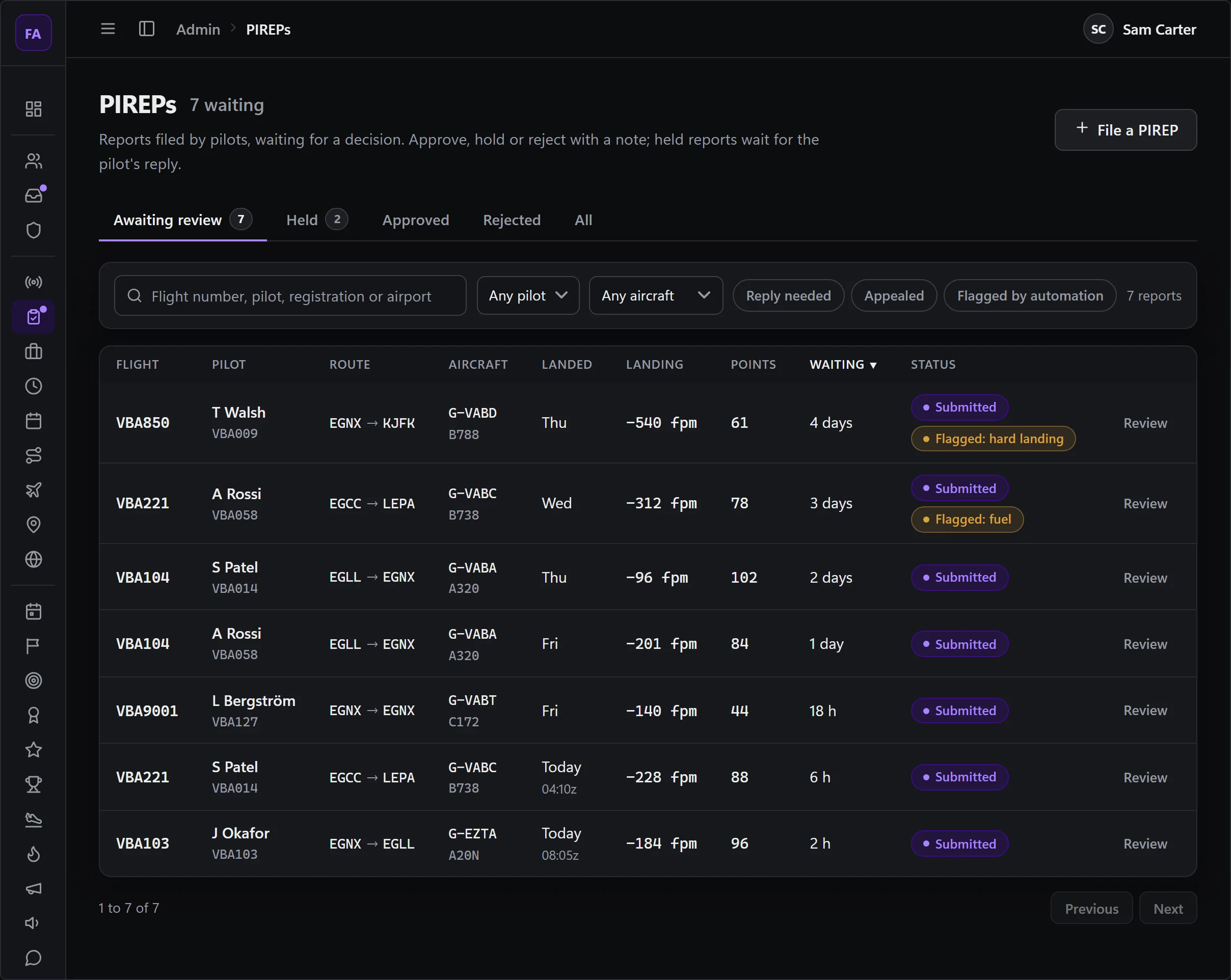
Every report arrives with its evidence.
Open a recorded flight and it is all there to see: the route replayed on the map, the altitude and speed profile, the landing with its rate and G-force, fuel against the plan, and the points it scored. A report filed by hand brings what the pilot entered. Either way, approve it, hold it with a question for the pilot, or reject it, one at a time or in bulk.
- Automated review: checks you set flag, hold or reject a report on your thresholds. Reports with nothing flagged can approve themselves.
- A conversation, not a verdict: pilots reply to a hold and can appeal a rejection once.
- Every decision on the record: an audit trail on each report, and an approval that can be reversed.

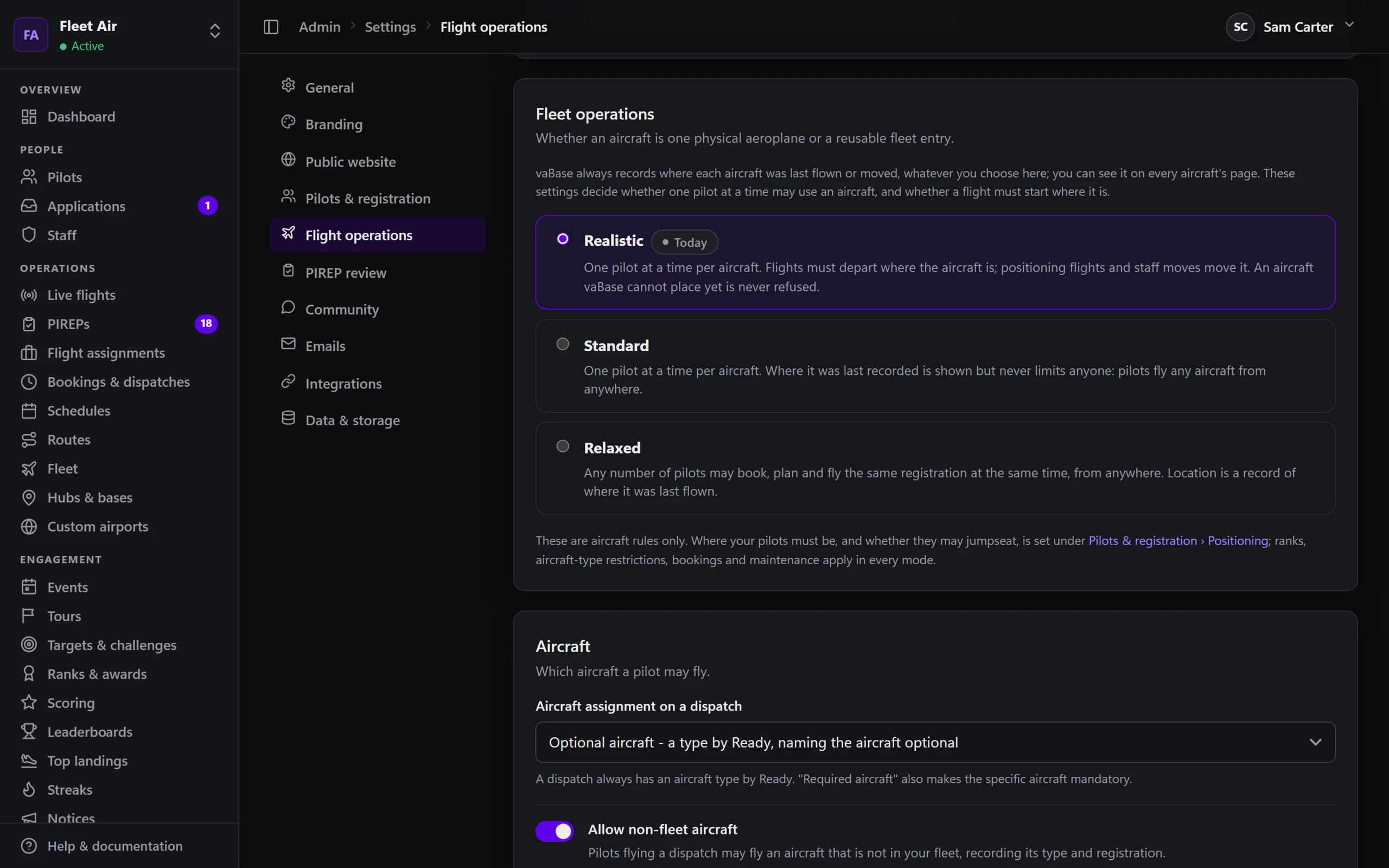
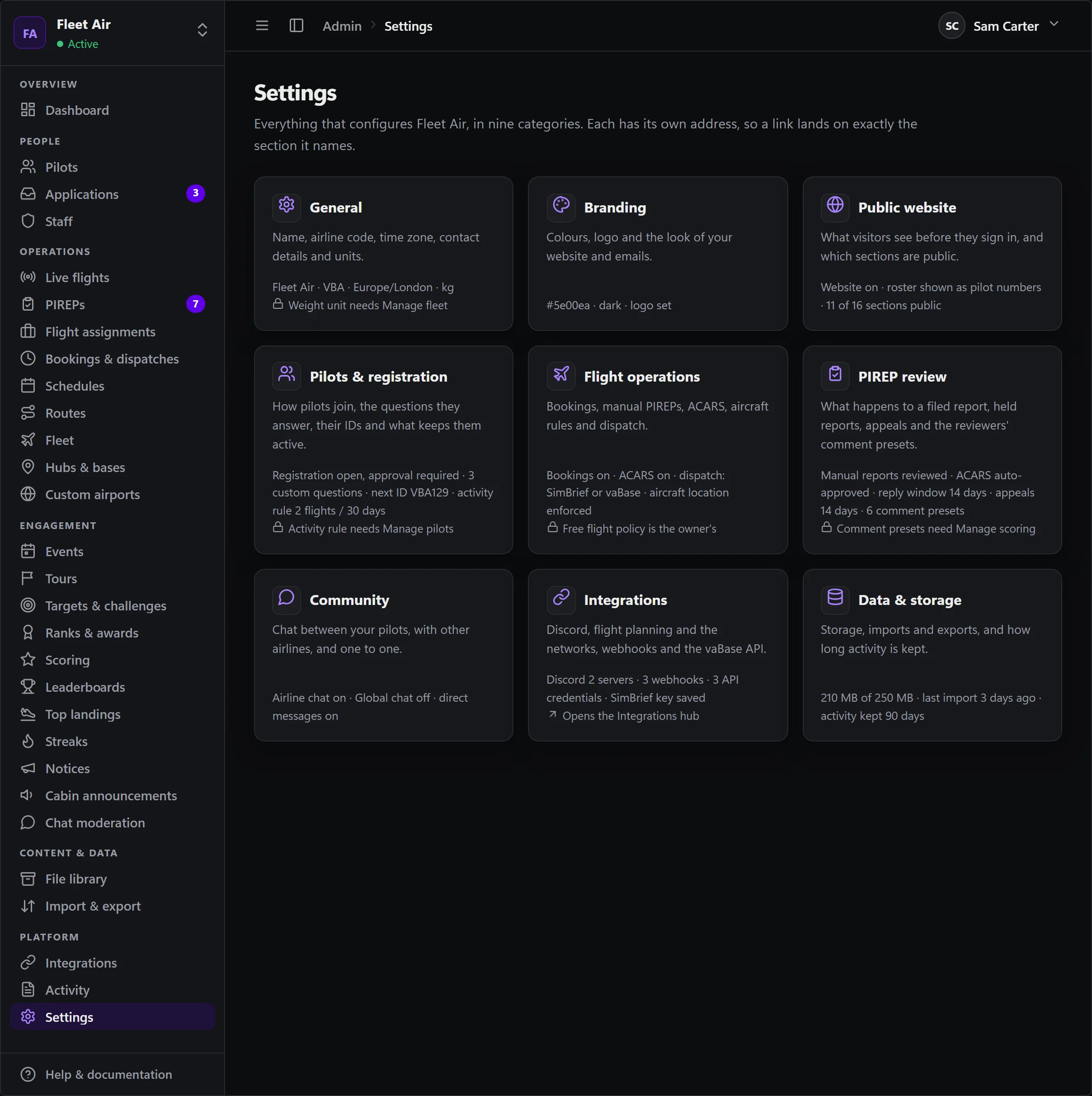
Branding, website, registration, emails.
Your colours and logo reach the portal, the website, ACARS and every email. Which public pages show, what the join form asks, how pilot IDs are issued, how reviews behave and what the airline's emails say are all settings, not code.
- Emails your airline can customise, with a preview, on vaBase's branded layout.
- Security for your team: two-factor sign-in for owners and staff, which an owner can require, and an activity log of who changed what.
- Integrations and your own tools: Discord, webhooks, the developer API and SimBrief, plus your own links in the sidebar to the tools your staff already use.
19 permission areas, granted one by one.
Staff see what they are granted and nothing else. Owners hold everything; an airline can have more than one.
- Pilots
- Flight reports
- Schedules
- Fleet
- Events and tours
- Ranks and awards
- Staff and permissions
- Scoring
- Integrations
- Notices and library
- Import and export
- Airports and hubs
- Activity log
- Airline settings
- Flight assignments
- Chat moderation
- Cabin announcements
- Developer access
- Targets and challenges
Run it from one place.
Set the airline up at your own pace, and invite staff when you are ready.