From a new account to the first recorded flight.
Six steps, from registering to your first report. vaBase hosts the platform and its APIs; you host the website files, or take the hosting add-on.
The six steps
- 01
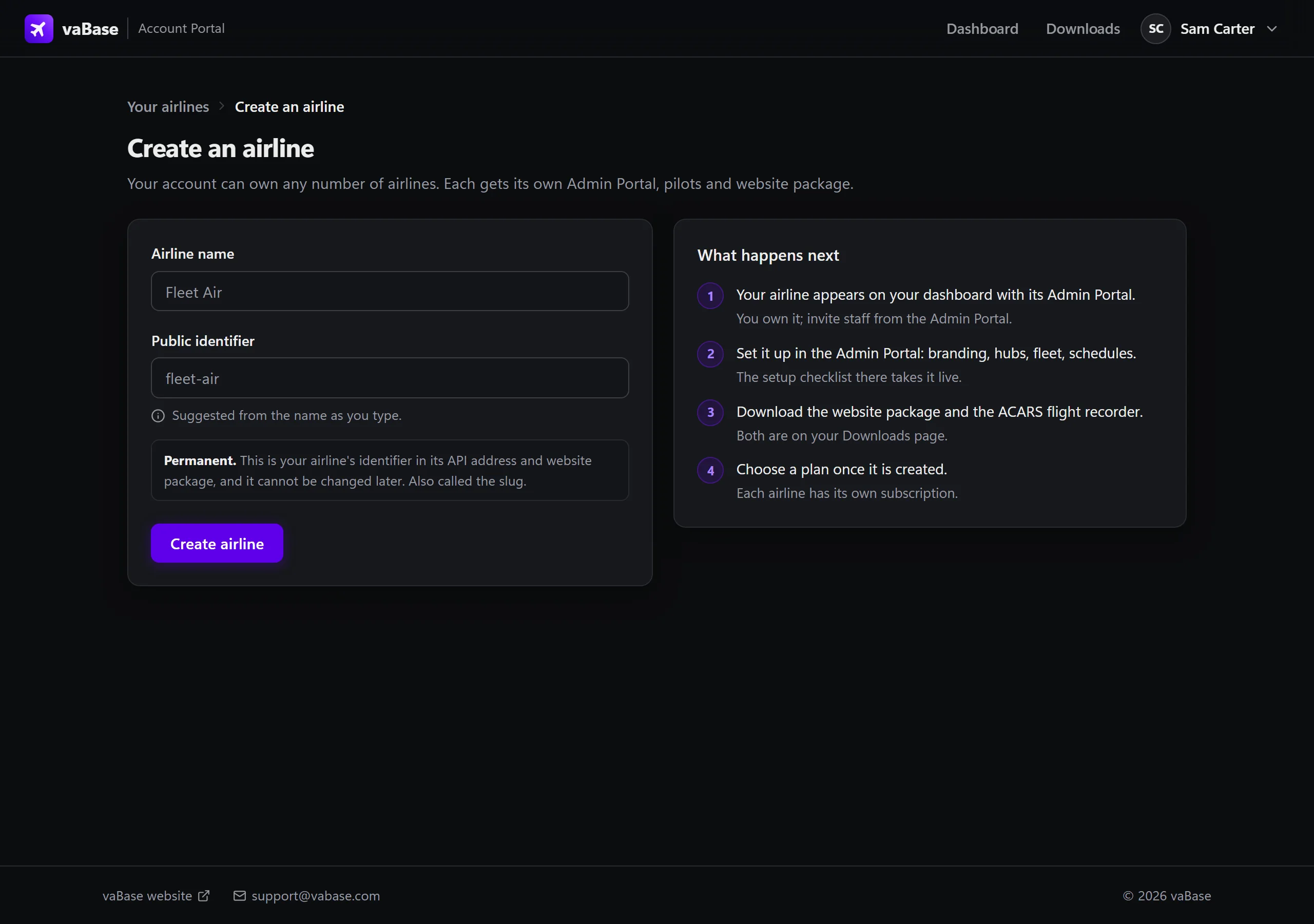
Create your account and name the airline
Register in the Account Portal, confirm your email address, then choose the airline's name and its public identifier.
- 02
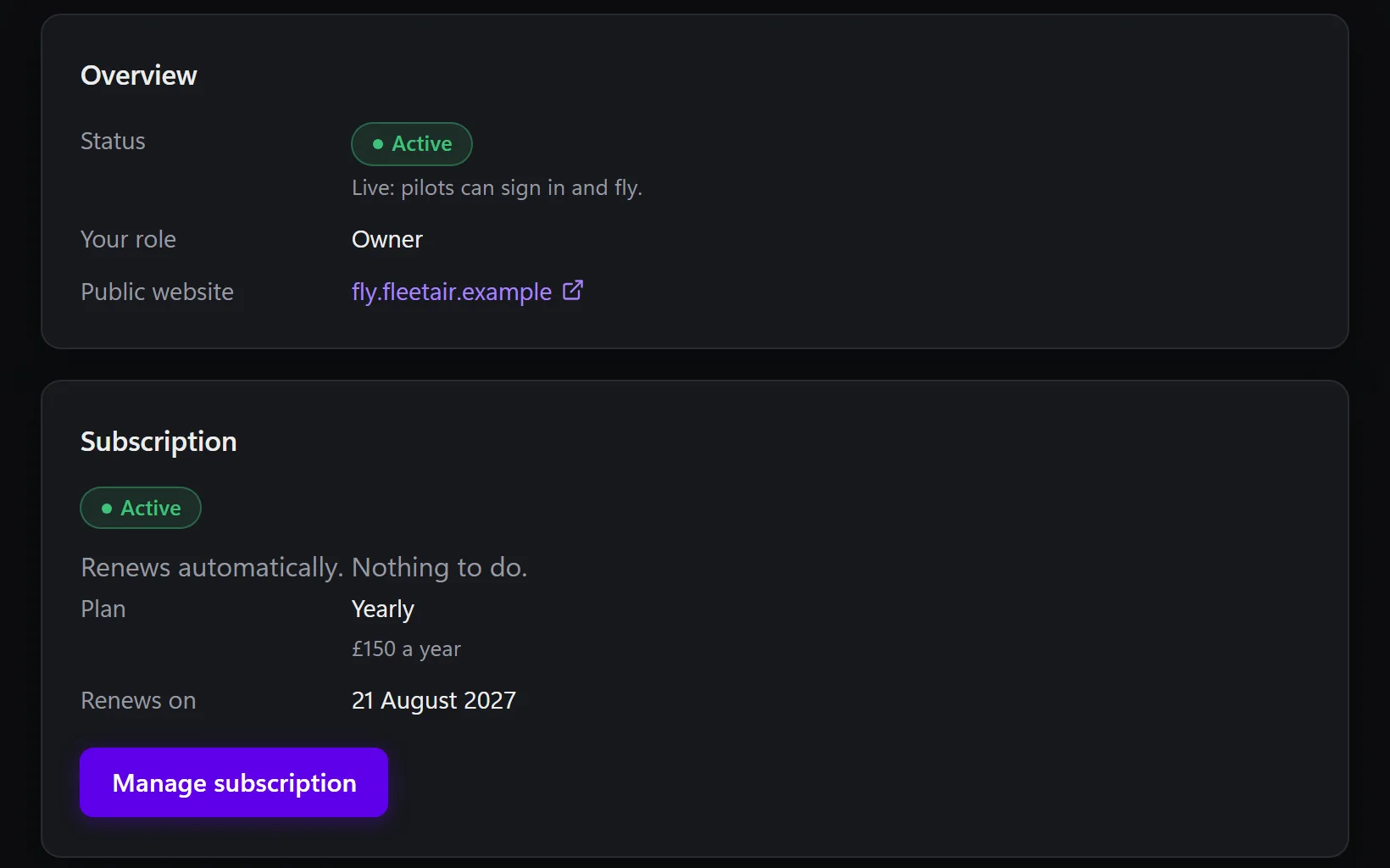
Choose monthly or yearly
Subscribe for the airline in the Account Portal, by card through Stripe in vaBase's own pages.
- 03
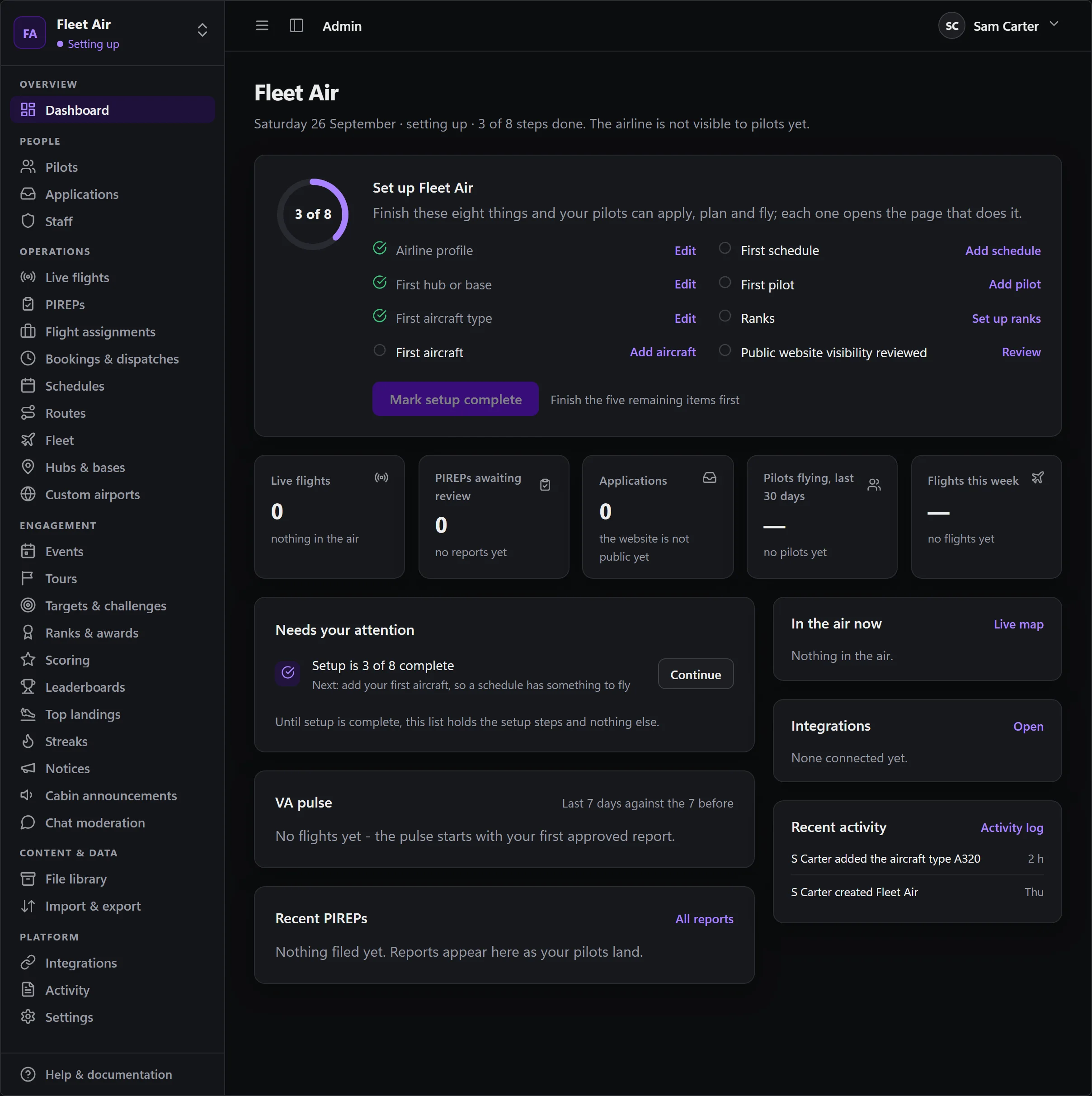
Add fleet, hubs and schedules
By hand or by CSV import, with a preview before anything is written. Bring pilots and their history the same way.
- 04
Put the website online
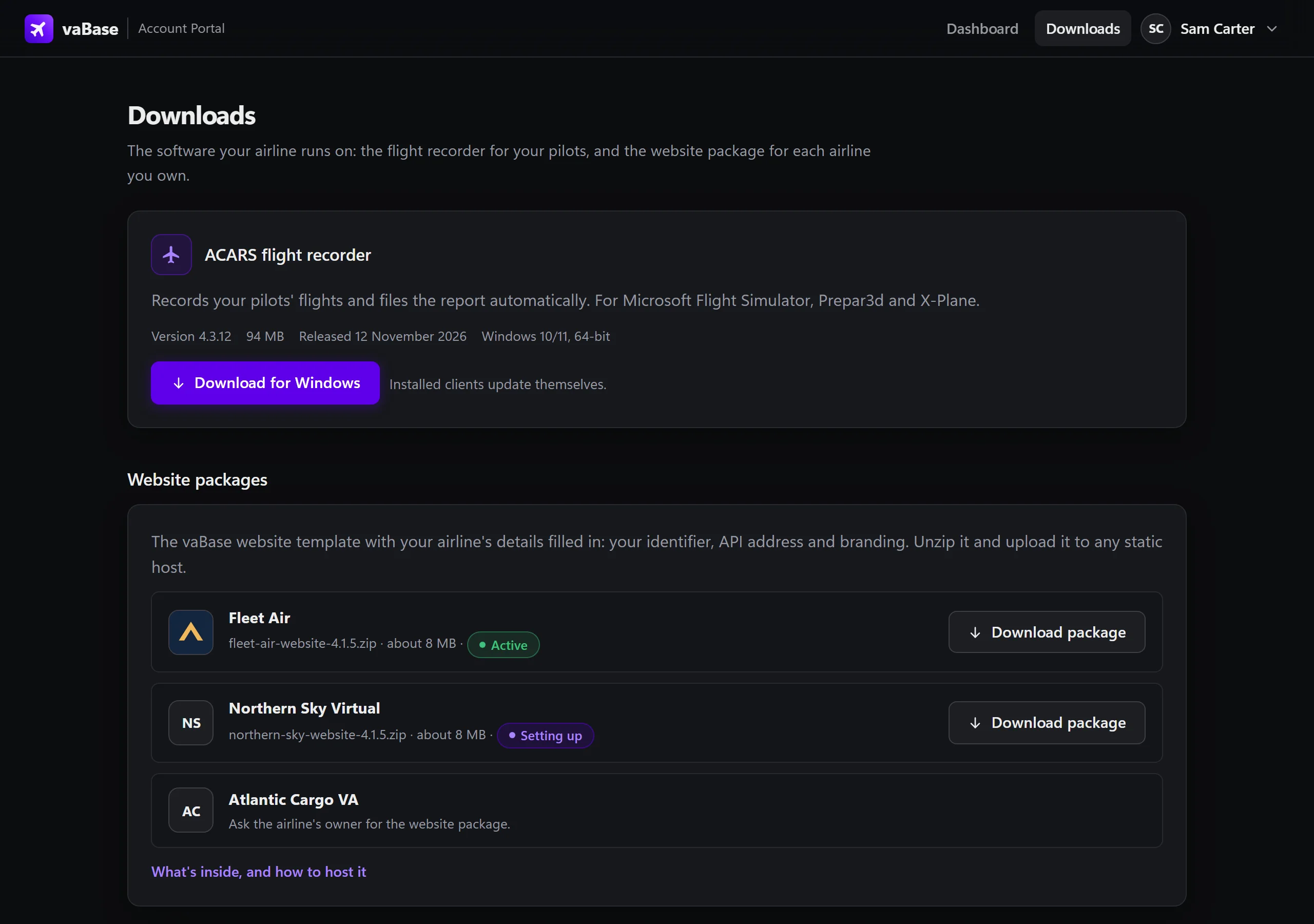
Download the website package from the Account Portal, set your colours and logo, and upload it to your hosting.
- 05
Get ACARS to your pilots
Pilots install ACARS from your airline's website. It updates itself and records each flight gate to gate.
- 06
Open applications and fly
Pilots apply on your site and you approve them. The first report lands in the review queue.


Before you start.
Web hosting
Any plain web hosting or static host for the website files, with your own domain. No PHP and no database. Or the vaBase hosting add-on.
For ACARS
Windows 10 or 11, 64-bit, on each pilot's computer. ACARS works with Microsoft Flight Simulator, Prepar3d and X-Plane. macOS is not supported.
Your airline's data
Schedules, fleet and pilots can be typed in or imported from CSV, from vaBase 3 or any other system.
Moving an airline from vaBase 3 or elsewhere? The importers bring the data across and pilots claim their own accounts. How switching works.
Ready for pushback?
Create the account, name the airline and start setting it up today.